

/workforce/positions) lists the positions in your organization. A position is a seat in an org unit, held by a person or an agent or vacant; its job, set from Job roles, describes the responsibilities it carries. Reading positions needs workforce:read; creating, assigning and changing them needs org:manage.
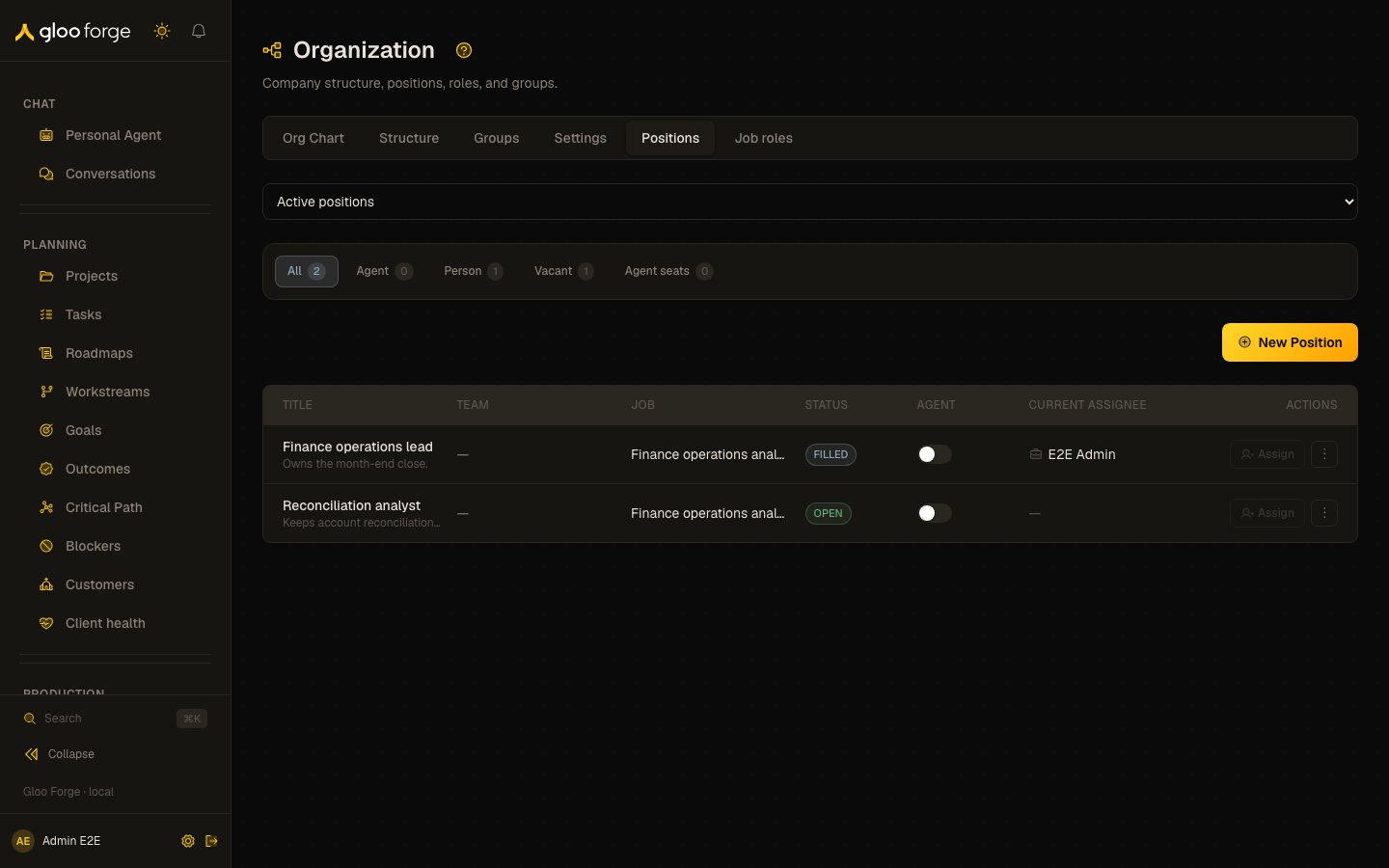
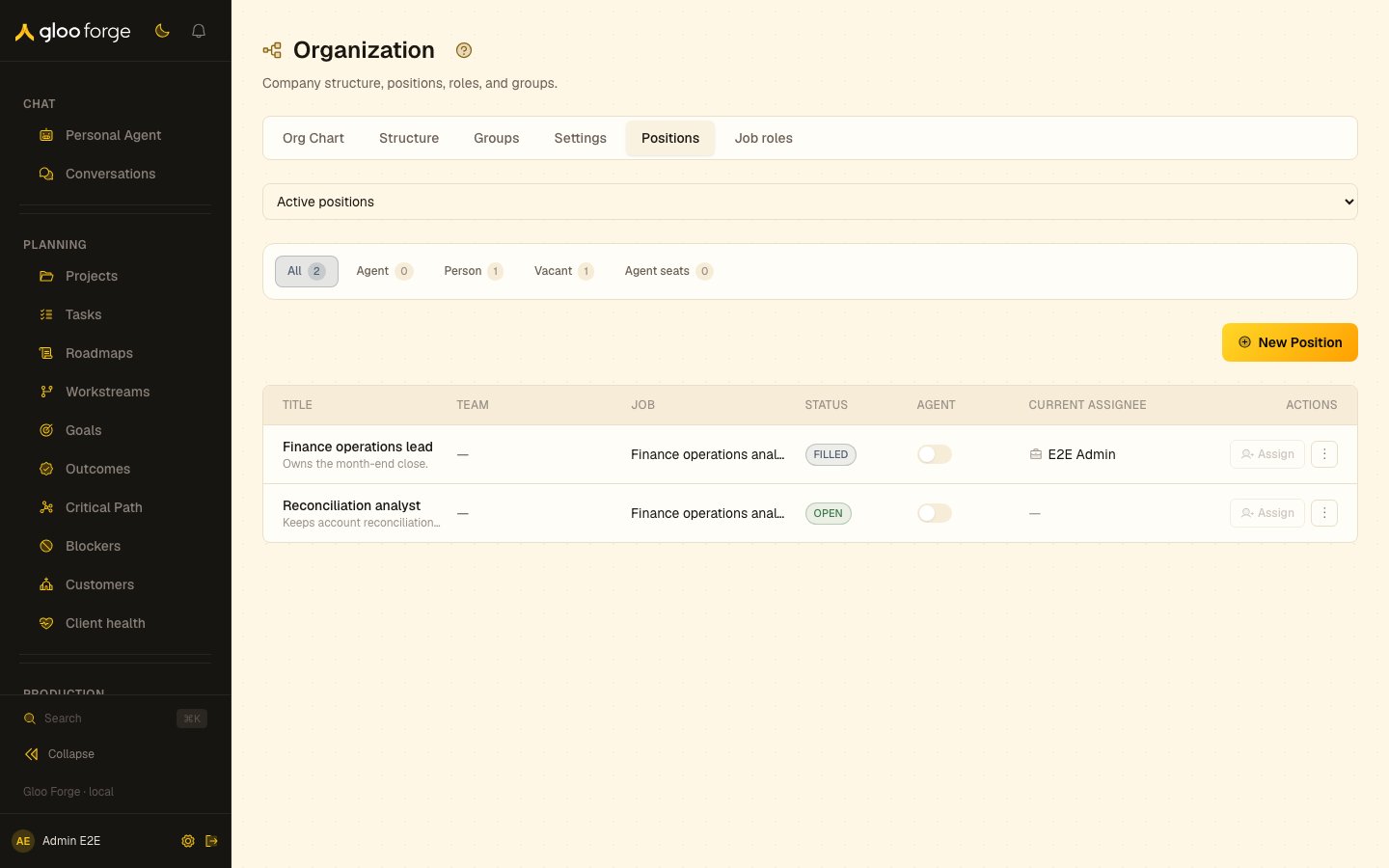
Positions — Forge Console at /workforce/positions
What you can do
- Filter the list by Position status (Active positions, Archived positions or All positions) and by who holds the seat: All, Agent, Person, Vacant or Agent seats.
- Create a position with New Position.
- Turn agent assignment on or off for a position, and Assign an agent to an agent-assignable seat.
- Add or edit a position’s prompt, and unassign its current holder, from the row’s Position actions menu.
- Open a position to read its details and manage its assignment history, archive or restore it.
The positions list
Agent seats keeps agent-held positions and vacant positions that allow an agent. Assign is disabled until agent assignment is on, and opens a picker of active agent workers. Turning agent assignment on does not assign an agent by itself.
The Position actions menu offers Add prompt or Edit prompt, and on a filled position, Unassign, which asks you to confirm. A position prompt is position-specific context, for example “You are on the Growth team. Prioritize acquisition experiments this sprint.”
Creating a position
New Position opens Create position (/workforce/positions/create) with two choices:
- Manual form — fill in the title, description, team, reporting structure, job and whether an agent may hold the seat.
- Position Architect — describe the position in plain language. The Architect asks clarifying questions and creates the record.
Position detail
Open a position (/workforce/positions/<positionId>) to see:
- Details — status, job, who holds the seat, team (linked to the org unit) and whether it is agent-assignable.
- Current Assignment — the holder, with View Agent or View Profile.
- Configuration — whether a prompt is set.
- Assignment history — each assignment with its holder, org unit, dates and whether it is open-ended, ended or superseded. With
org:manageyou can Add assignment, Edit dates / kind (PRIMARYorSECONDARY), Vacate / end, or Reassign primary. A seat can stay unassigned. - Archive position or Restore position, which previews what depends on the position before you confirm. The change is saved to the organization draft; follow Review and publish draft to publish it on the Org Chart. Move / rename in organization draft goes there too.
Key state to watch
- Vacant positions — open seats with no holder.
- Readiness pills on agent holders — an agent that is not ready cannot do the seat’s work.
- Agent seats with agent assignment off — Assign stays disabled until it is turned on.