

/workforce/structure) shows the company’s org units as a tree: each department, team or other unit under its parent. It is one tab of the Organization page, whose tabs are Org Chart, Structure, Groups, Settings, Positions and Job roles. Reading the tree needs workforce:read; moving a unit needs org:manage.
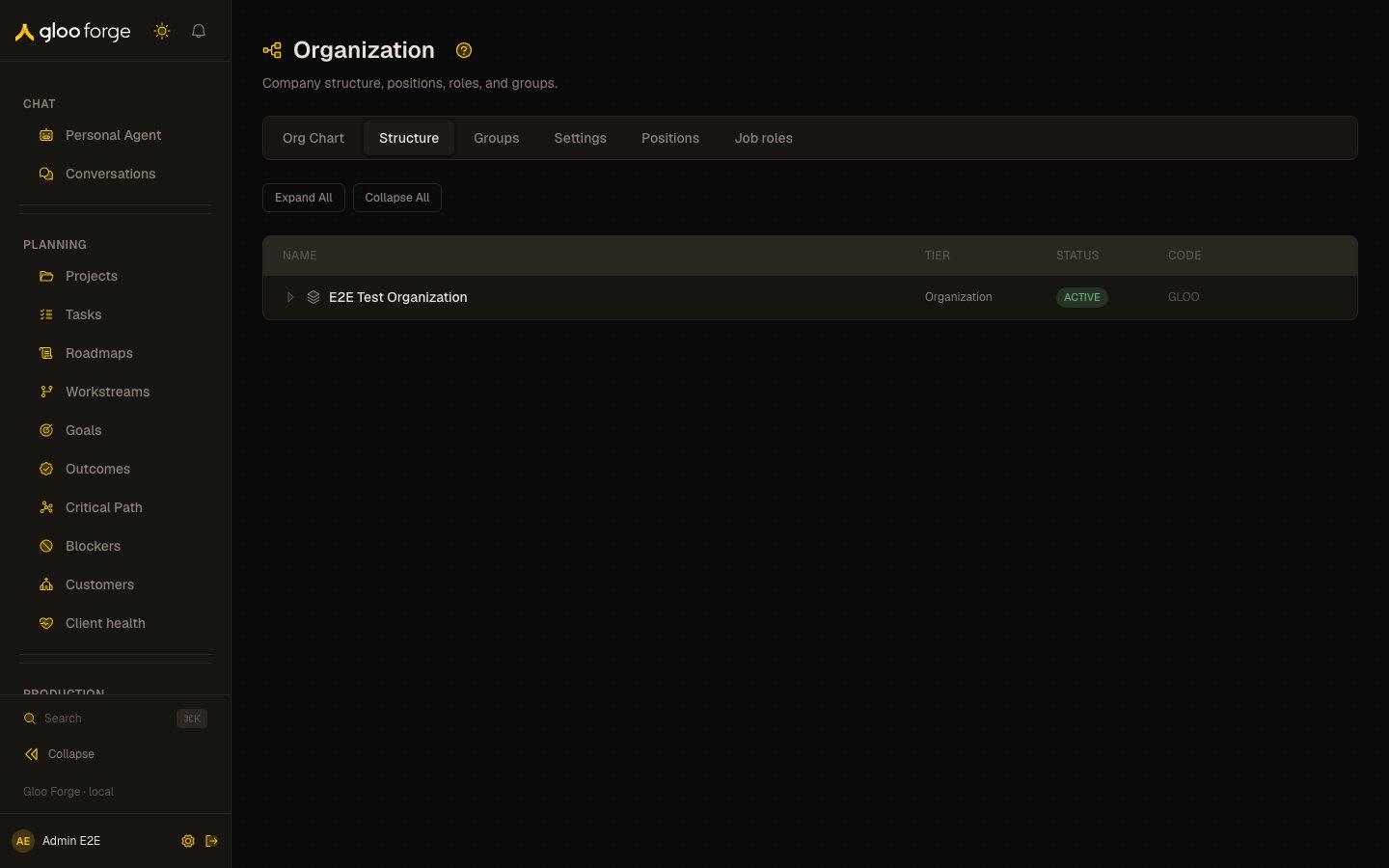
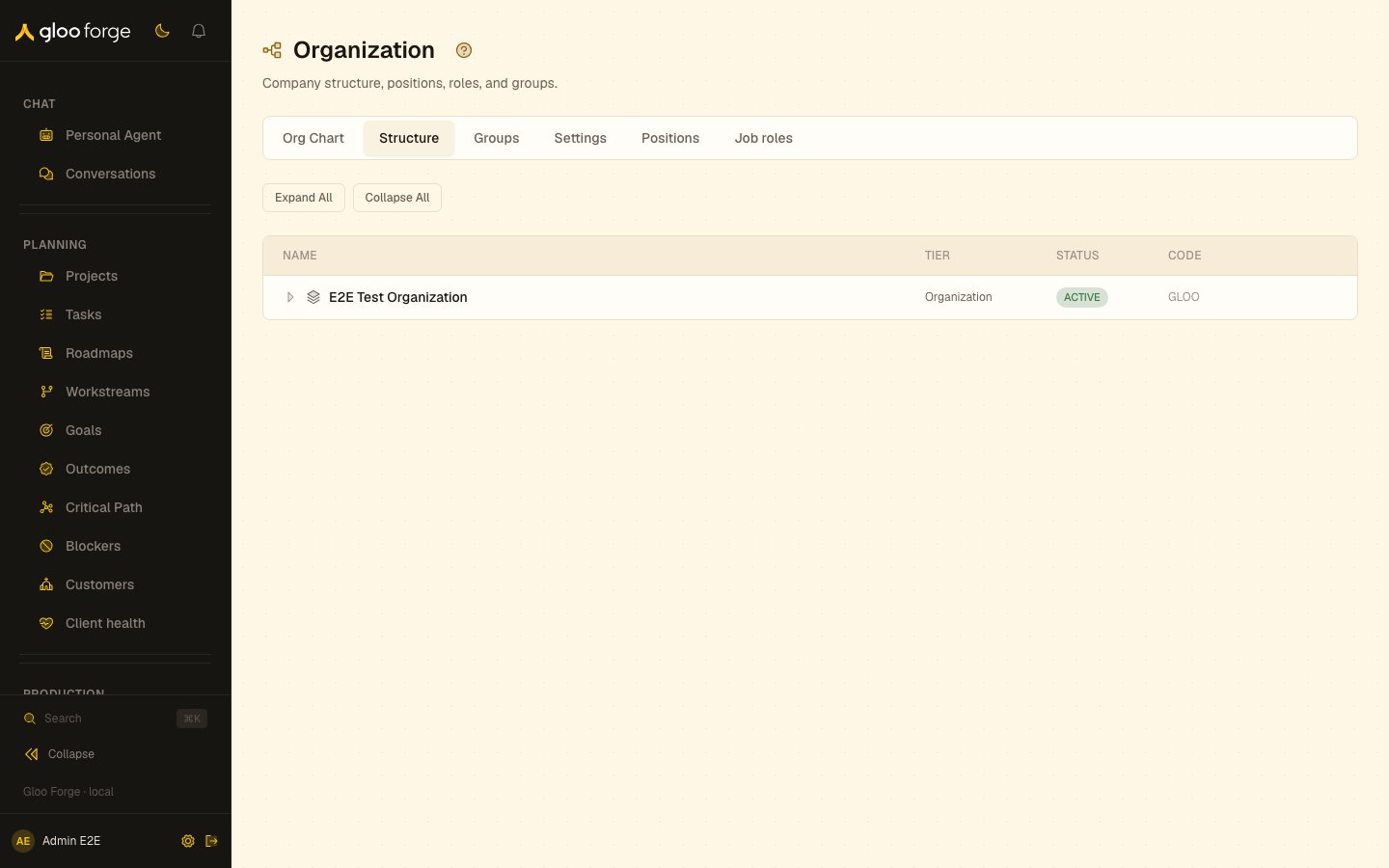
Organization structure — Forge Console at /workforce/structure
What you can do
- Read every active org unit in your scope, nested under its parent, with its description beside the name.
- Expand a unit with children to show them, or use Expand All and Collapse All.
- Move a unit to a different parent with its Move to different parent button.
The tree
Each row shows:
With no org units, the page says so: departments, teams and units appear here once your structure is set up.
Moving a unit
- Select the folder button at the end of the unit’s row (Move to different parent).
- In Move Org Unit, choose the New Parent, or (Root — no parent). The unit itself and the units below it are not offered.
- Choose Move.
Key state to watch
- Units in the wrong place — a unit’s parent decides which roles granted at a higher org unit reach it.
- Missing units — an inactive unit does not appear in this tree.