

/production/workflows/builder-v2) is the canvas editor for a workflow’s graph. It has no sidebar entry of its own: you reach it from Edit graph on a workflow’s detail page, from Fix with Architect on a failed run, or by its URL. Open it to change a draft’s nodes, edges, inputs, and settings, then test and publish that draft as a new version.
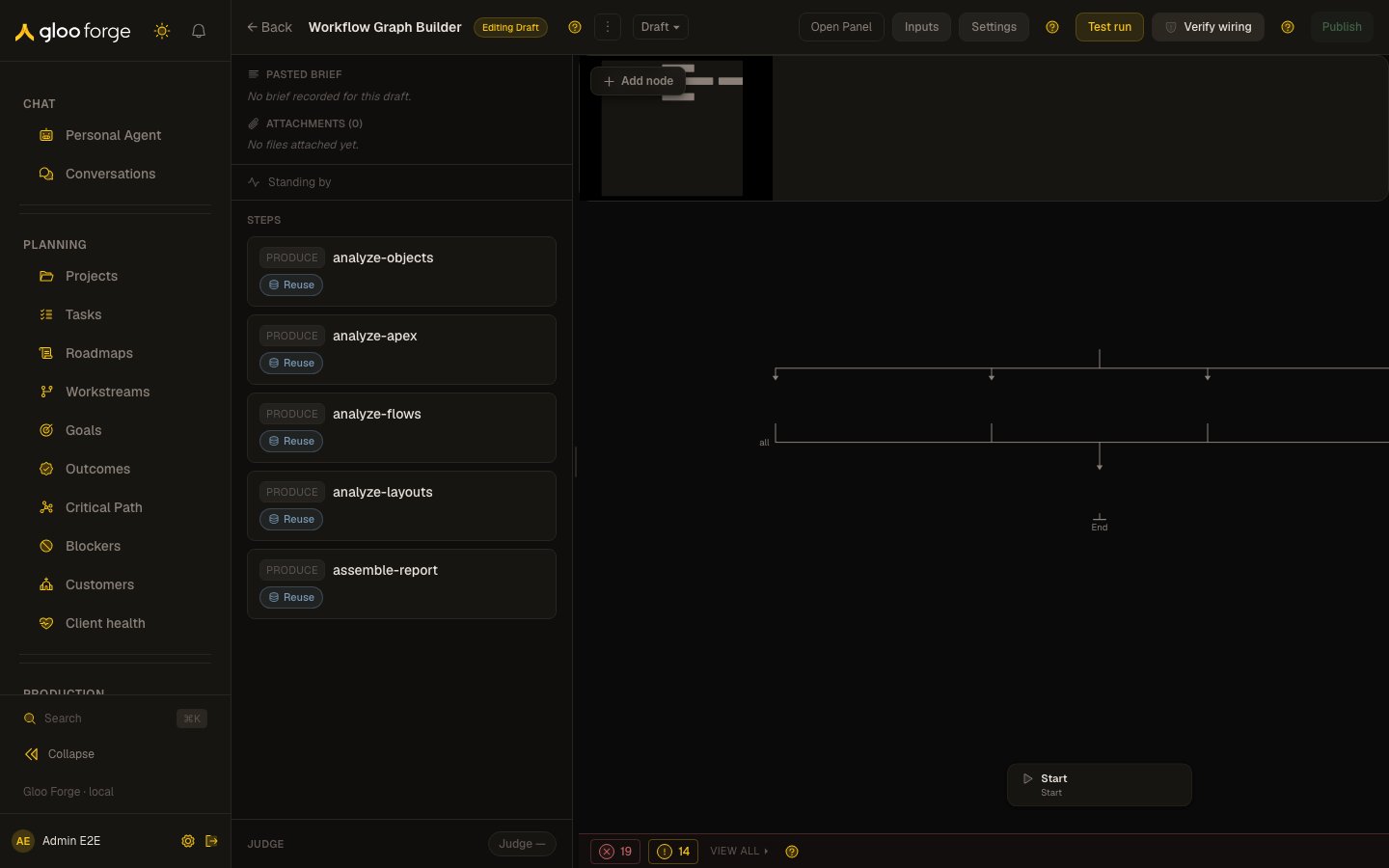
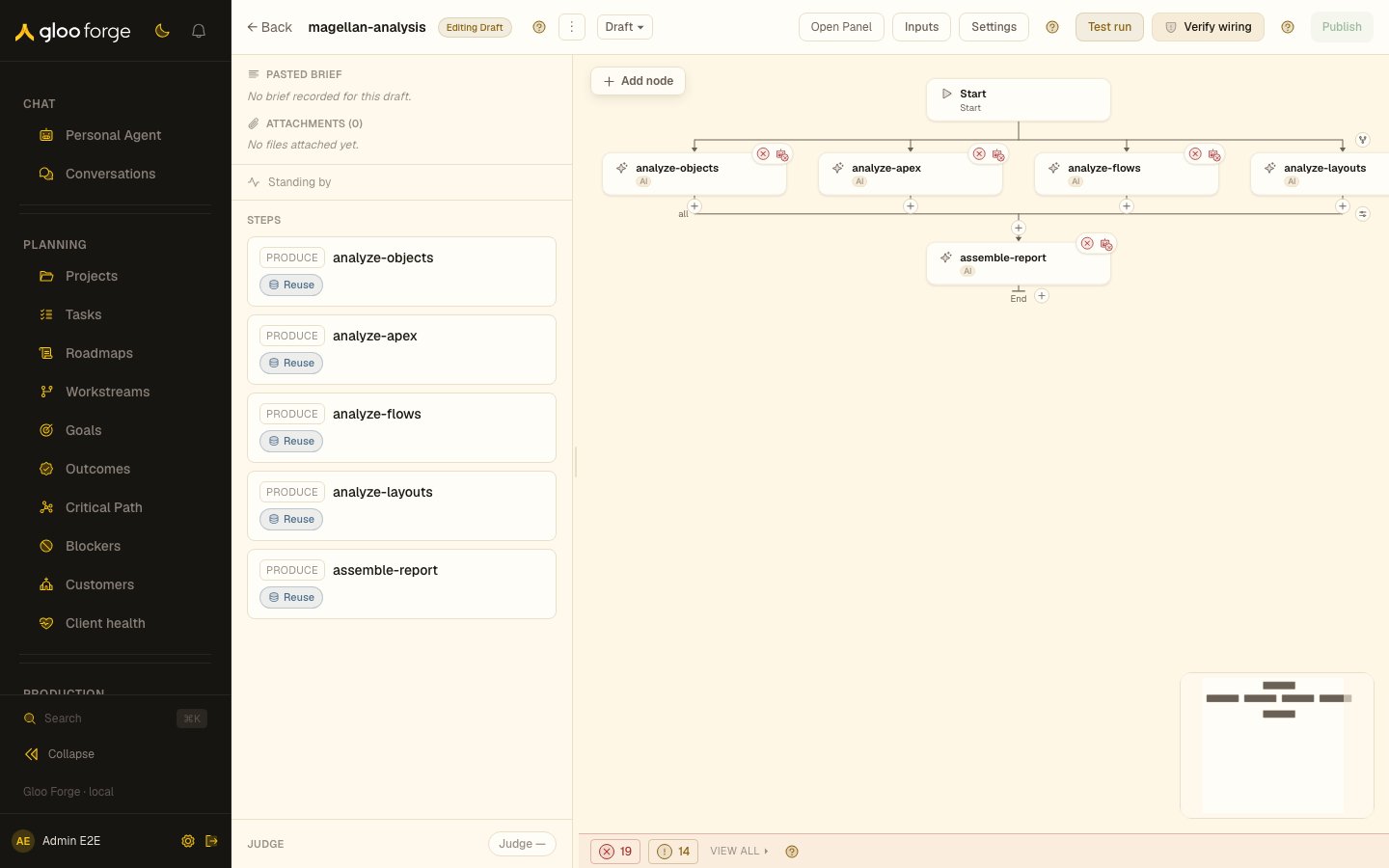
Graph builder — Forge Console at /production/workflows/convex/builder-v2
Modes
The badge next to the workflow name tells you which document you are looking at.
The version switcher next to the badge moves between the draft and published versions. Adding
architectOpen=1 to the URL opens the Architect dock on load.
What you can do
On a draft:- Click the workflow name to rename it.
- Open Panel / Hide Panel shows or hides the dock. The dock has three segments: Architect (chat with the workflow Architect), Properties (the selected node or edge), and Inputs (the workflow’s typed input contract).
- Add node on the canvas opens the node launcher.
- Settings opens Workflow Settings, the global defaults applied across all nodes.
- Test run launches a one-off test run against the draft through the run dialog.
- Verify wiring runs pre-publish wiring checks and shows the result in a Wiring check panel.
- Publish opens Publish draft as new version. Publishing creates an immutable version, makes it the active workflow, and demotes the current active version to superseded. Add an optional Publish note.
- Run opens the run dialog for the active version.
- Rollback to v makes a superseded version active again.
- Debug preview appears on a version when the
workflow_debug_executionfeature flag is on.
Publish outcomes
Publish is disabled while validation runs (“Validating…”) and while the draft has validation errors (the tooltip gives the count). In the publish dialog:- Unresolved capability gaps or a fail verdict from the Architect quality judge switch the buttons to Fix first and Publish anyway. Publish anyway requires an Override reason, which is recorded as an audit event with your identity.
- An authority refusal shows “You are not entitled to publish this version”, or “Say which companies these Credential bindings may name” when a Credential binding names no companies.
Who can act
- Test run, Verify wiring, and Publish need
workflows:write. - Run, Rollback to v, and Debug preview need
workflows:use.
Key state to watch
- Editing Draft versus Viewing v: edits apply only to a draft. A version view is read-only.
- A disabled Publish button with an error count: fix each validation error before publishing.
- A Wiring check that lists errors: runtime dispatch fails on those nodes until they are resolved.
- Publish anyway after a judge warning: the version publishes, and the override reason sits in the audit trail; review the verdict before running the version.