

/platform/environments/instances) lists the environment instances for a vault: the deployment targets that vault secrets are sent to. The page header reads Environments and the section Vault Instances. It is the Instances tab of the Secrets tab group, after Vaults and Connections; Secrets has no sidebar entry of its own and opens from the Secrets tab of Settings under Platform. Open it to add a deployment target for a vault or to grant someone deploy access to one.
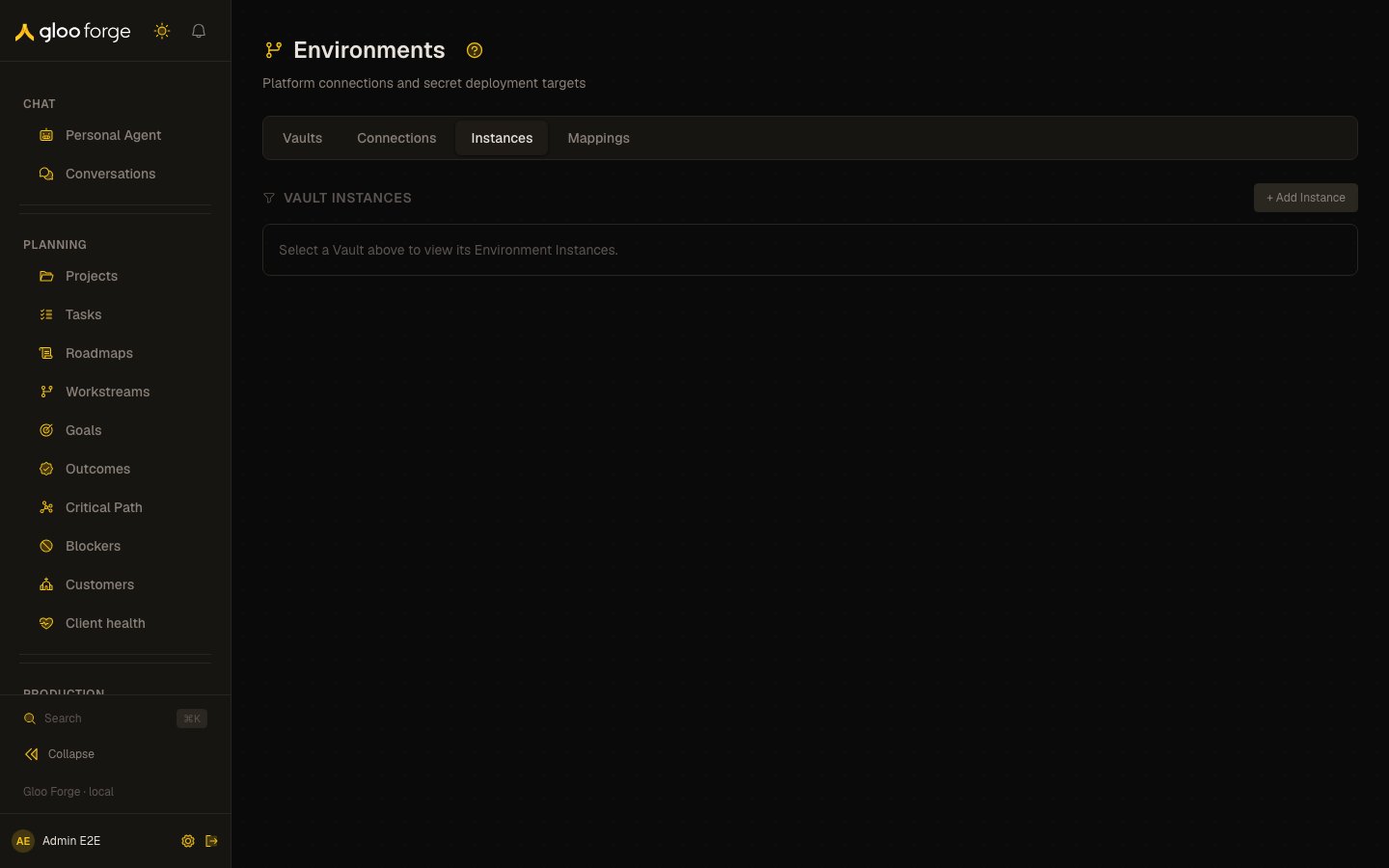
Environment instances — Forge Console at /platform/environments/instances
What you can do
- Pick a vault in the filter (default All Vaults). The table appears only once a vault is selected; the choice is kept in the URL as
?vault=. - + Add Instance opens the instance form, with the selected vault preselected.
- The row menu offers Edit, Manage Members, and Delete.
- Manage Members sets who may deploy secrets to the instance. A mapping’s Deploy button stays disabled for anyone who is not a member.
- Delete asks for confirmation: secret mappings that target the instance stop deploying.
Columns
Who can act
Viewing instances requiresenvironments:read; + Add Instance appears only with environments:manage.
Without
environments:read the page says “environment_instances:read permission required.” The permission it checks is environments:read.Key state to watch
- “No instances for this Vault”: the vault has no deployment target, so its secrets deploy nowhere.
- Auto-Sync Off on an instance you expect to stay current: confirm whether it should sync automatically, and use Deploy on Mappings in the meantime.
- Deleting an instance that mappings still target: those mappings stop deploying. Check Mappings first.
- A Deploy button disabled on Mappings with “Membership required”: add the person through Manage Members here.