

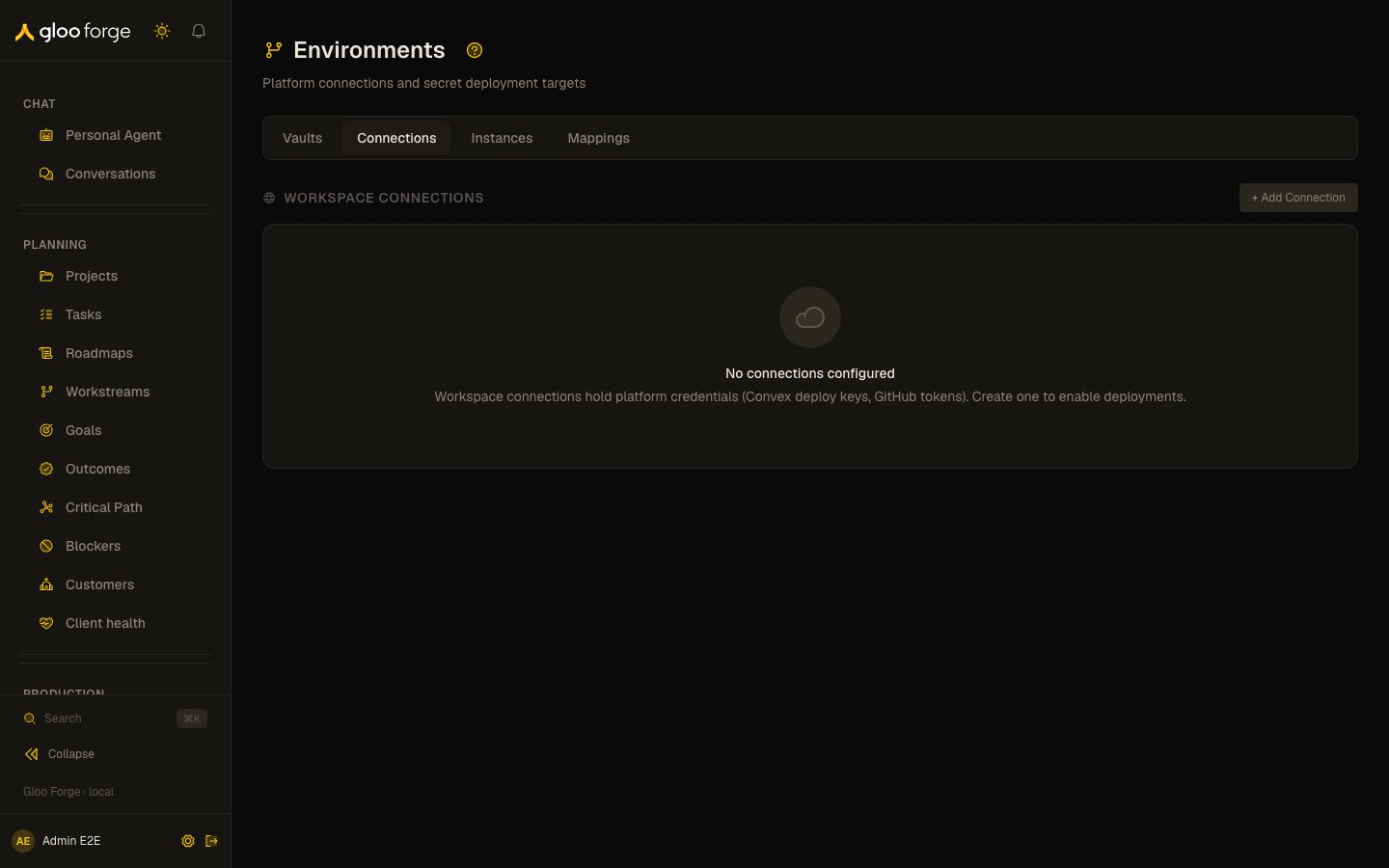
Environments — Forge Console at /platform/environments
What you can do
- Add a Connection: the workspace credential for Convex, GitHub or Vercel.
- Add an Instance: one deployment target under a Connection, and manage who may deploy to it.
- Map a secret from a Vault to an Instance under a destination key, with or without auto-sync.
- Deploy a secret’s current version to one target, or in a batch per vault or instance.
Connections
Workspace-level platform credentials. A Connection holds the master credential for a platform (Convex deploy key, GitHub PAT, Vercel token). Connections are shared across all Vaults. Supported platforms: Convex, GitHub, Vercel. Credential values are always masked in the UI. Environment credentials, deploy keys, and Vault Secret versions use provider-neutral managed Secret identities; platform adapters receive only resolved values and do not own provider-specific secret storage or locator details. Creating or replacing a Connection uses a retry-safe operation, so retrying the same request does not create another credential. Replacing a value rotates the Connection’s managed secret identity instead of changing the Connection reference. Connections can exist without a credential. Once a credential is configured, its managed Secret identity and completed operation identify the value together. Legacy Forge record locators are no longer accepted. Reads use the Secret’s recorded provider binding and fail safely if that binding is unavailable. Provider rollback preserves the Connection’s managed Secret identity.Instances
Vault-level deployment targets. Each Instance points at a Workspace Connection and represents a specific destination:- Convex — a specific deployment (production or preview)
- GitHub — a specific repository and optional GitHub Environment
- Vercel — a specific project and environment target (production / preview / development)
Mappings
Fan-out join table between Vault secrets and Instances. Each row defines:- Which Vault and Secret is the source
- Which Instance is the destination
- The Destination Key — the name the secret will be published under on the target platform
- Whether Auto-sync is on for this specific mapping
POST /v10/projects/{idOrName}/env?upsert=true. The configured destination target and optional team scope are retained.
Key state to watch
- Deploy disabled on a mapping. You are not an explicit member of the target Instance; add yourself under Instances → Manage Members.
- Auto-sync. When it is on, every rotation pushes the secret to the Instance.
- A Connection without a credential. It exists but cannot deploy until a credential is configured.
Credential lifecycle
Deleting a Forge Credential removes only that Credential binding. Its reusable managed Secret and provider item remain available until an operator separately revokes or deletes the Secret.Related
- Vaults — manage the secrets that Environments deploys